
CyberSense - 2 Factor Authentication
Loading player...
🔐 CYBER SENSE ALERT: Two-Factor Authentication (2FA) – Your Digital Bodyguard 🇿🇦
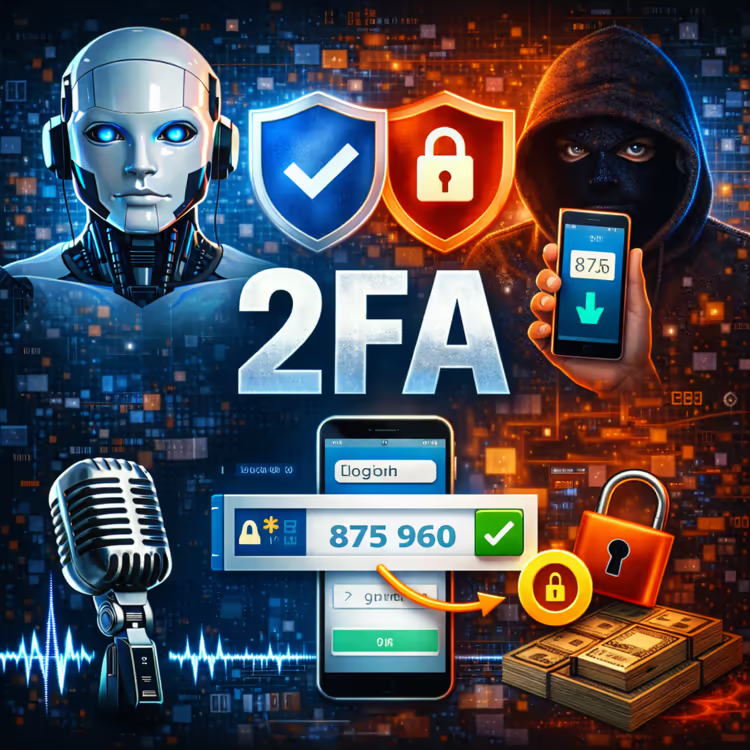
A password alone is not enough. Hackers can steal, guess, or buy your password online. Two-Factor Authentication (2FA) adds a second lock to your accounts – and only you have the key.
What is 2FA?
It's a second step after your password. Usually a temporary code sent to your phone via SMS, an authenticator app, or a fingerprint scan. Even if a hacker has your password, they can't get in without that second factor.
Your 3-Step 2FA Action Plan:
TURN IT ON EVERYWHERE THAT MATTERS. Start with your email, banking apps, social media, and WhatsApp. Look in "Settings" > "Security" > "Two-Factor Authentication" or "2FA." Enable it immediately.
USE AN AUTHENTICATOR APP WHEN POSSIBLE. SMS codes are better than nothing, but authenticator apps like Google Authenticator, Microsoft Authenticator, or Authy are more secure. They work offline and can't be intercepted by a SIM swap.
SAVE YOUR BACKUP CODES. When you set up 2FA, you'll receive one-time backup codes. Write them down and store them somewhere safe – not on your phone. If you lose your phone, these codes are your only way back into your accounts.
Quick Tip: For South African banking apps, most already require 2FA. Make sure it's activated. If you're not sure, call your bank's helpline and ask.
Bottom Line: A password is a single lock. 2FA is a deadbolt. Turn it on today.
A password alone is not enough. Hackers can steal, guess, or buy your password online. Two-Factor Authentication (2FA) adds a second lock to your accounts – and only you have the key.
What is 2FA?
It's a second step after your password. Usually a temporary code sent to your phone via SMS, an authenticator app, or a fingerprint scan. Even if a hacker has your password, they can't get in without that second factor.
Your 3-Step 2FA Action Plan:
TURN IT ON EVERYWHERE THAT MATTERS. Start with your email, banking apps, social media, and WhatsApp. Look in "Settings" > "Security" > "Two-Factor Authentication" or "2FA." Enable it immediately.
USE AN AUTHENTICATOR APP WHEN POSSIBLE. SMS codes are better than nothing, but authenticator apps like Google Authenticator, Microsoft Authenticator, or Authy are more secure. They work offline and can't be intercepted by a SIM swap.
SAVE YOUR BACKUP CODES. When you set up 2FA, you'll receive one-time backup codes. Write them down and store them somewhere safe – not on your phone. If you lose your phone, these codes are your only way back into your accounts.
Quick Tip: For South African banking apps, most already require 2FA. Make sure it's activated. If you're not sure, call your bank's helpline and ask.
Bottom Line: A password is a single lock. 2FA is a deadbolt. Turn it on today.


